HOW IT WORKS

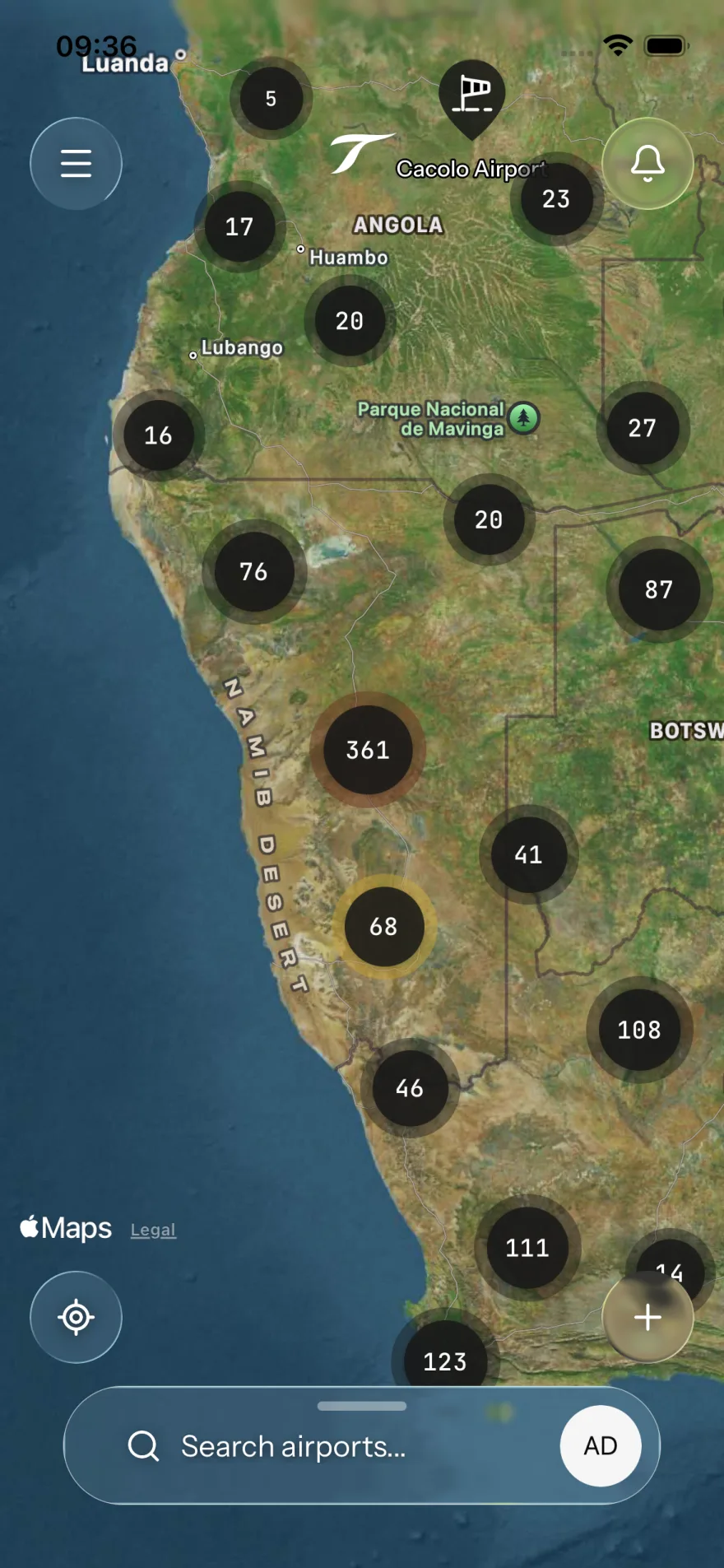
One map. Every airport.
Maintained by the community.

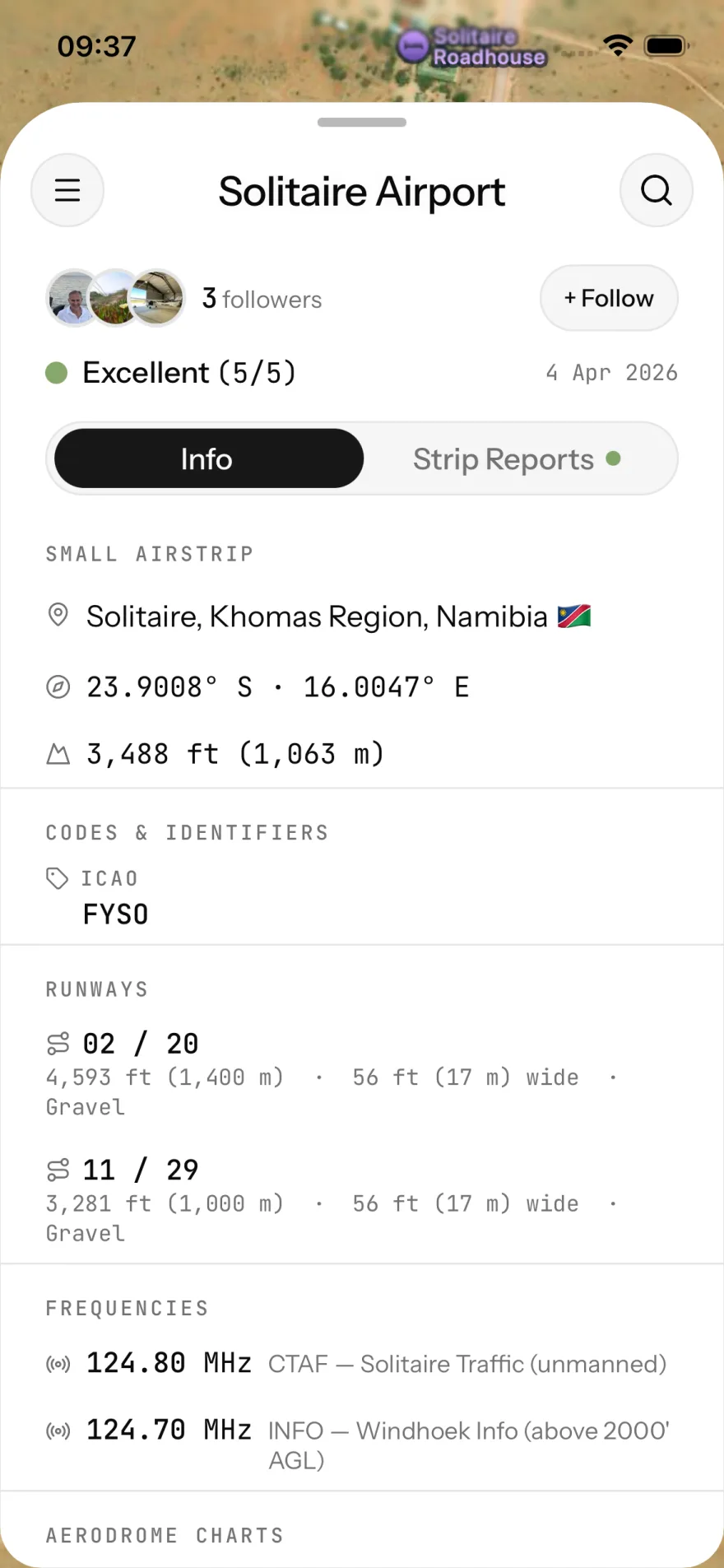
Every airport on SkyTribe shows a live condition score and field notes from the last pilot in. Wheels down, write what you saw, move on.

No home screen, no feed. One map, from wheels-up. Zoom in for each strip's condition and the age of the last report. Tap a strip for the field notes.

  • 01
    Find the strip
    Map-first search. ICAO, IATA, name, city or country. Filter by airport type, country, aviation code, follows, or recent reports.
  • 02
    Read the conditions
    Six-level surface rating, from Unusable to Excellent. Colour-coded rings on the map, timestamped, with photos and field-note remarks from the last pilot in.
  • 03
    File a report — or request one
    Thirty seconds on the apron: rate the surface, attach photos, add remarks. Or post a request badge so the tribe knows where info is needed. Either way, the map updates immediately.
  • 04
    Follow your home strips
    Follow any airport and you'll know when something changes. A new report. A runway update. Anything the last pilot in added.
SkyTribe map view with airport markers across a region
SkyTribe airport detail screen showing condition score and pilot remarks